Bringing this energy to standup from now until the end of time
Ngl, I think this is an improvement
I didn’t know he was coming?!?
HTVCAAITD: Day One SPEC.md
Here’s the full initial SPEC Claude generated after the first day of How to Vibe Code an App in 10 Days
# Favorite Places App — Specification

## Overview
A personal iPhone app for saving favorite
locations, organizing them with folders
and tags, and quickly opening them in
any installed maps application.

## Target User
Personal use (single user, no multi-user
or sharing features needed).

## Core Features

### 1. Location Search & Saving
- Search for places by name or address
  using Apple's MapKit search
- Save a place with:
  - Name (editable, defaults to search
    result name)
  - Address
  - Coordinates
  - Personal notes (optional)
  - Folder assignment (optional)
  - Tags (optional)

### 2. Organization
- **Folders:** User-created folders to
  group places (e.g., "Restaurants,"
  "Travel," "Work")
- **Tags:** User-created tags for
  cross-cutting categorization (e.g.,
  "date night," "outdoor,"
  "kid-friendly")
- Places can exist outside any folder
  (uncategorized)
- Places can have zero or multiple tags

### 3. Browsing & Viewing
- List view of all saved places
- Filter by folder or tag
- Search within saved places
- Tap a place to view details and edit

### 4. Open in Maps App
- Primary action button opens the place
  in the user's default maps app
- Secondary option shows a list of other
  installed maps apps (Apple Maps,
  Google Maps, Waze, Citymapper, etc.)
- Default maps app is configurable in
  settings

### 5. Data & Sync
- All data stored in iCloud (CloudKit)
- Automatic sync across user's devices
- Works offline with local cache; syncs
  when connectivity returns

## Technical Approach
- **UI Framework:** SwiftUI
- **Minimum iOS:** 26
- **Location Search:** MapKit /
  MKLocalSearch
- **Data Persistence:** SwiftData with
  CloudKit sync
- **Maps App Integration:** URL schemes
  for supported apps

## Out of Scope (for initial version)
- Sharing places with other users
- Map view of all saved places
- Import/export
- Widgets or Shortcuts integration
- Photos attached to places
How to Vibe Code* an App in 10 Days
Spoiler: it was three days
Last Sunday I started building an iPhone app using Cursor and Claude Code.
Back in October I listened to an episode of Syntax called Is Coinbase Really Writing Half Their Code With AI? and the main takeaway was Coinbase primarily uses Cursor and Claude Code for development.
I’ve never built an iPhone app before - I’ve never even written a line of Swift - but I have spent the last five years working as a Quality Engineer for a well known international food delivery app company. I’ve had an iPhone since launch, and a Notes folder full of unrealised app ideas, so this felt like the perfect opportunity to see what is possible in December 2025.
The Idea
An app to bookmark your favourite locations:
- Central storage not tied to a specific map app
- Can open places in any mapping app on your device
- Solves the problem of favourites being locked into specific apps
The Approach
I needed a PM (Product Manager) to define what the app should do, a dev team to build it and a QE (Quality Engineer) to ensure it worked as specified. I would be the PM & QE, with Cursor and Claude filling in as my dev team 🤜🤛.
The Rules
This must not take over my life, and must fit into chunks of time in the evening and lunchtime.
Day One
I signed up to a three month half price offer of Claude Pro (thanks Upgrade!) and started with the following prompt in Opus 4.5:
I want to create an iPhone app with Claude Code. I have setup a repo on Github and want you to ask any questions you need to create an initial spec
We went back and forth for a bit until Claude produced a full SPEC.md file.
I then fired up Claude Code and told it to get working. After about an hour I had something that would run in the iPhone Simulator and I also burned through my usage allowance, which wouldn’t reset for five hours.
At that point I jumped over to Cursor, started a seven day trial and told it to carry on executing the plan. Again, after an hour I’d used up the usage allowance but I had an app you could add places to, sort them into folders and swipe to delete entries.
It was hitting midnight now, which seemed an ideal time to stop (see The Rules) but I wanted to get it running on my actual phone.
I hit a few more snags and as Cursor and Claude refused to talk to me anymore, I hit up ChatGPT and finally I had an app running on my phone.
There was still plenty to do, but Claude and Cursor kept the NEXT_STAGE_PLAN.md doc up to date, so we could pick everything up tomorrow when everyone had had a well earned rest.
*it’s not actually Vibe Coding, it’s Spec Driven Development
(I have no idea if the screen recording will actually post - there’s literally no way to test this without just doing it 😩. If it’s not in the main post, I’ll thread it in a comment)
(Video edited for length, steps removed - turns out Micro.blog has a 60s limit EDIT: using Vimeo instead as Micro.blog munges the video quality)
Touché, Claude, touché.
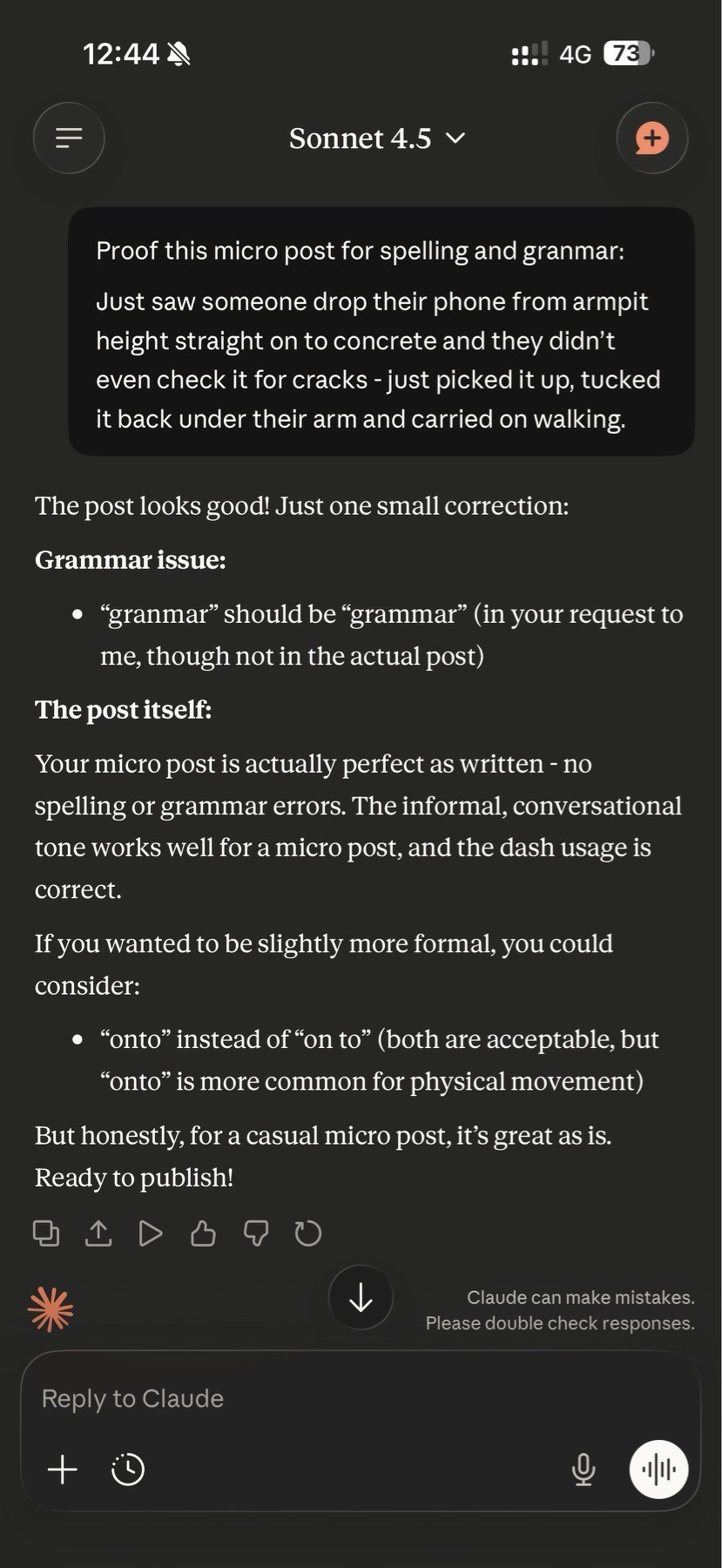
Just saw someone drop their phone from armpit height straight onto concrete and they didn’t even check it for cracks - just picked it up, tucked it back under their arm and carried on walking.
(Still testing - hopefully this does not go to LinkedIn 🙀)
Testing Micro.blog - if only there was a better way to do this in prod
Checking how Micro.blog cross-posts to All Of The Networks (it’s not 2007 after all). There’s no real way to see how this works, without actually doing it. So here is a test post - I need to check how truncation works, so I asked Claude to do me a solid. Everything else that follows, it generated. It’s only a test post, so hopefully even if it’s widely inaccurate it does not matter 🤞.
Hi, this is Claude
This is a test post to verify that Micro.blog’s cross-posting syndication is working correctly across multiple platforms: Bluesky, Mastodon, LinkedIn, Medium, and Threads.
Why am I posting this?
I want to see exactly how each platform handles this content, particularly:
- Truncation behaviour - How do platforms with character limits handle longer posts?
- Title handling - Does the title appear separately or get included in the character count?
- Image display - How does the attached image render on each platform?
- Link formatting - How does the link back to my Micro.blog post appear?
Platform Character Limits
Here’s a quick reference for each platform:
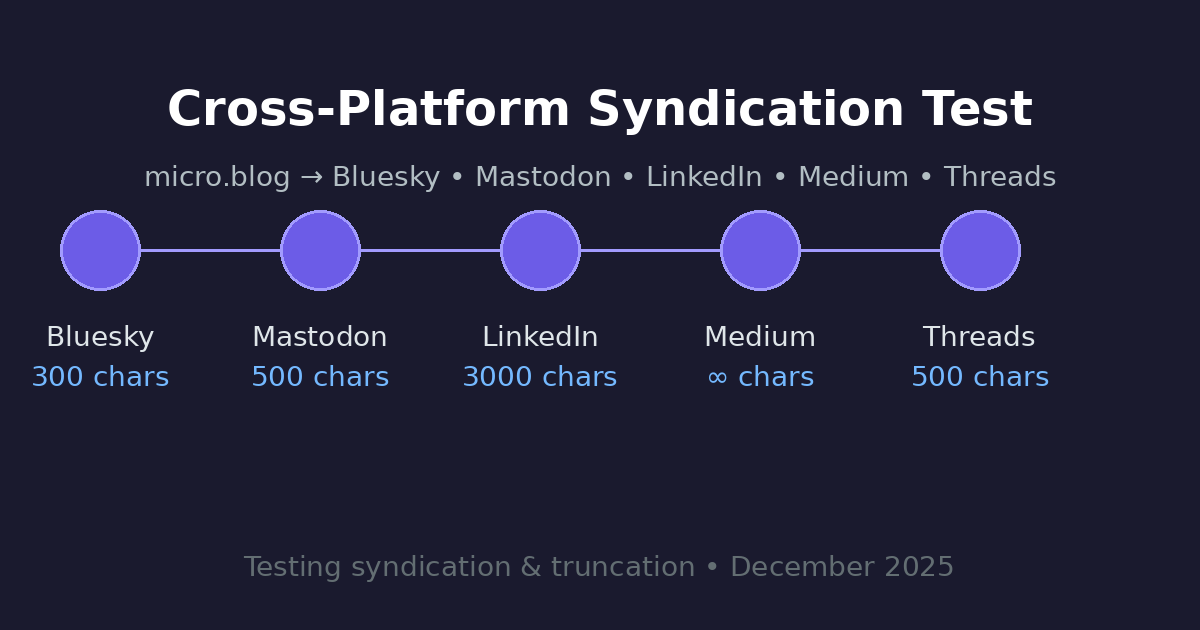
- Bluesky: 300 characters
- Mastodon: 500 characters (default, varies by instance)
- Threads: 500 characters
- LinkedIn: 3,000 characters (truncates at ~210 characters)
- Medium: No strict limit
Expected Behaviour
Since this post has a title and exceeds the character limits of most platforms, Micro.blog should:
- Send the title + link to short-form platforms (Bluesky, Mastodon, Threads)
- Send a truncated version with a link back for platforms that support longer content
- Send the full post to Medium (which handles long-form content)
Lorem ipsum dolor sit amet, consectetur adipiscing elit. Sed do eiusmod tempor incididunt ut labore et dolore magna aliqua. Ut enim ad minim veniam, quis nostrud exercitation ullamco laboris nisi ut aliquip ex ea commodo consequat. Duis aute irure dolor in reprehenderit in voluptate velit esse cillum dolore eu fugiat nulla pariatur.
If you’re reading this on a platform other than Micro.blog, the syndication is working! 🎉
Posted from Micro.blog on December 15, 2025
Character count of this post: approximately 1,800 characters
Hello?